Free migration
Your free migration plan to the SiteHelpDesk cloud
The installed versions of SiteHelpDesk reach end of life on 31 December 2027. We’ll move you to the cloud platform for free, with a full test run first and your data checked before you switch.

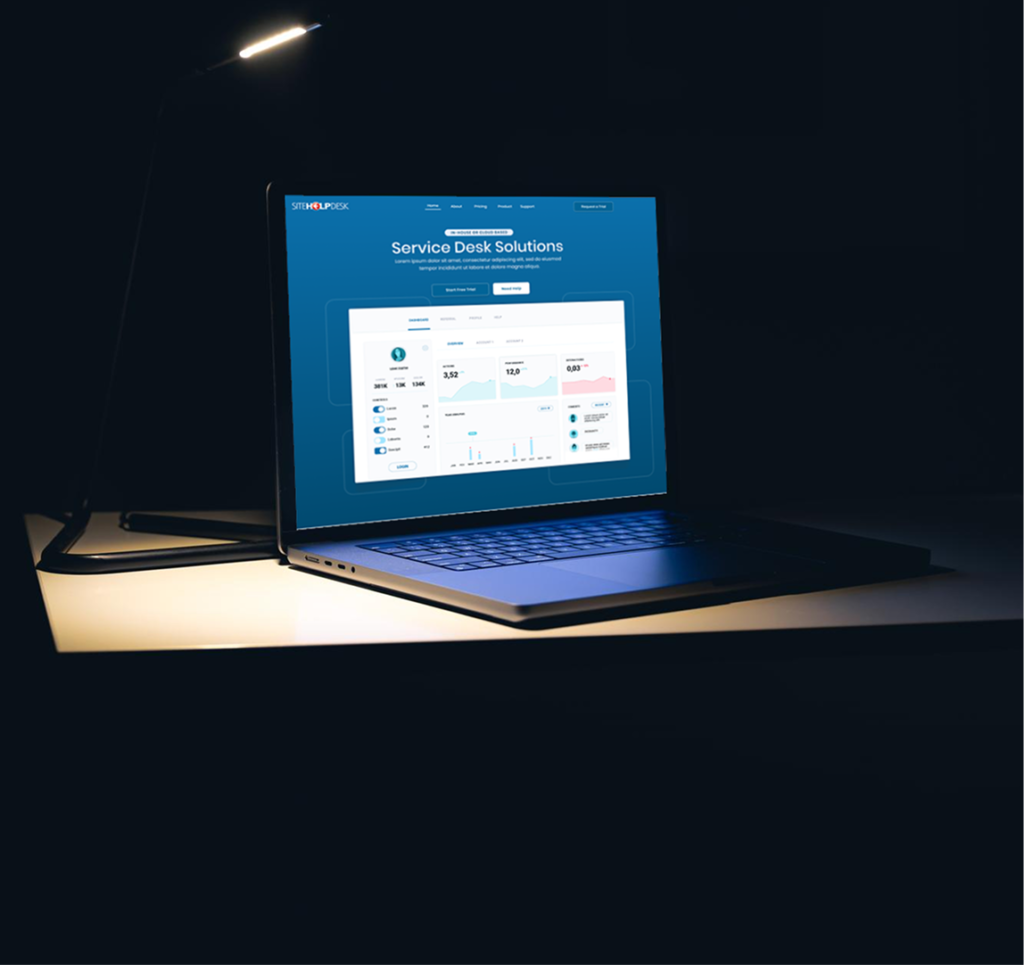
Illustrative interface with demo data
How your migration works
Six steps, typically two to four weeks from your planning call to go-live.
Free planning call
A 45-minute call to review your current setup: which products you use, how many agents, mailboxes, integrations and any changes you’ve made.
Week 1Plan and date
We agree a migration date that suits your team and fits around your support renewal, and send you a written migration plan.
Week 1Test migration
We copy your data into a test cloud account: tickets and history, customers, assets, PPM schedules, contracts, knowledge base and users.
Weeks 1–2You check it
Your team tries the test account with real data. We fix anything that doesn’t look right and set up your email, SLAs and branding.
Weeks 2–3Go live
A final data move, usually completed in a single day. We can do it in the evening or at a weekend so your service desk keeps running.
Go-live dayTraining and support
Online training sessions for your agents and administrators, and close support through your first weeks on the new platform.
After go-liveWhat moves across
All your history comes with you
Your team starts on day one with everything they had before, in a faster, modern system.
- Tickets, notes, attachments and full history
- Customers, contacts and contracts
- Assets, locations and PPM schedules
- Knowledge base articles
- Users, groups and permissions
- Categories, custom fields, SLA rules and email settings
Planned maintenance, March
Auto-scheduledIllustrative interface with demo data
Safe by design
Full test run first
Nothing changes for your team until you’ve checked the test migration and are happy with it.
Your old system stays put
Your installed system keeps running until go-live day, so you always have a fallback.
Secure transfer
Data is moved over encrypted connections and held in secure cloud hosting with offsite backups.
What we need from you
A few details to get started
- A backup of your SiteHelpDesk SQL Server database, or remote access so we can take one
- A list of your agents and administrators
- Your support mailbox details for email-to-ticket
- Details of any integrations or changes you’ve made to the software
- A contact who can check the test migration
What it costs
Migration, setup and training are free for existing customers who move before 31 December 2027.
After that you pay one simple per-agent subscription that includes hosting, support, upgrades and every module. We’ll plan your move around your current support renewal so you don’t pay twice.
Plan my migration
Tell us about your current setup and we’ll be in touch within one working day to book your free planning call.
Migration questions
How long will our service desk be offline?
Usually no more than a few hours on go-live day, and we can schedule it for an evening or weekend. Your installed system keeps running right up to the switch.
Do our users need to do anything?
Very little. Agents get a new web address and log in. If you use the customer portal, we can keep your own domain so your users won’t notice a change.
We use EMLmonitor and SLAmonitor. Are they included?
Yes. Email-to-ticket and SLA monitoring are built into the cloud platform, so there’s nothing extra to buy or install.
Can we migrate after 31 December 2027?
Talk to us, but we can’t guarantee free migration or support for the installed software after that date. Booking early gets you the date you want.
We have customers outside the UK. Is that a problem?
Not at all. We already run SiteHelpDesk for customers in the USA, Canada, Ireland, Australia and the Middle East, and plan go-live times around your time zone.
Ready when you are
Book your free planning call and we’ll send you a written migration plan.