For most facilities teams, the working day is a mix of the planned and the unexpected. A boiler fault in one building, a broken door closer in another, quarterly fire door checks due next week and a stack of PAT testing that needs scheduling. When all of that lives in an email inbox, a few spreadsheets and someone’s memory, things get missed.
A facilities management helpdesk brings it into one place. Here’s what a good one should actually do, and what to look for when you’re choosing.
What is a facilities management helpdesk?
It’s a system for logging, assigning and tracking every request that comes into your facilities or estates team, from reactive repairs to routine maintenance. Unlike a generic IT ticketing tool, an FM helpdesk also understands the physical side of the job: buildings, equipment and the maintenance schedules that keep them compliant.
5 things your FM helpdesk should do
1. Give everyone one simple way to report a problem
Staff shouldn’t need to know who to phone. A self-service portal and email-to-ticket logging mean every request is captured, timestamped and routed to the right person, and the person who reported it can see its progress without chasing.
2. Run your planned preventive maintenance (PPM) for you
Repetitive tasks such as servicing, inspections and safety checks should create their own jobs on schedule. Set it up once, and the system raises the work when it’s due, so nothing slips because someone was on holiday.
3. Track the full life cycle of your assets
Every job should link to the equipment it relates to. Over time you build a history of each asset: what’s been fixed, how often, and what it’s cost. That makes replace-or-repair decisions far easier to justify.
4. Keep your compliance records in order
PAT testing schedules, accident reporting to RIDDOR requirements and inspection records all need an audit trail. When they sit in the same system as your day-to-day jobs, evidence is a report away rather than a scramble.
5. Show you how you’re performing
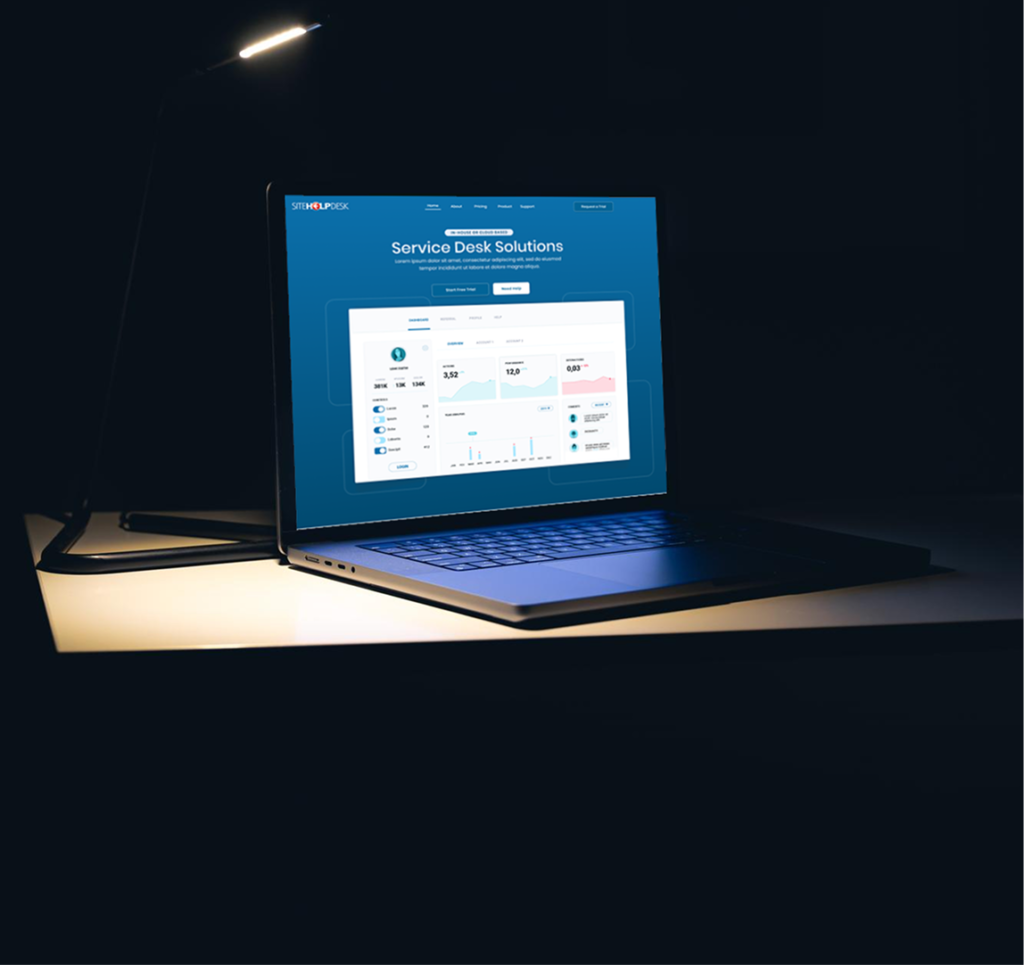
Service level monitoring, live dashboards and reporting tell you where the backlog is, which sites generate the most requests and whether you’re hitting the response times you’ve promised. Reporting on 100% of activity, including the quick fixes, also shows the true workload of your team.
Cloud-hosted or installed?
Some FM helpdesks still need installing on your own servers, which means patching, backups and IT time. A fully hosted cloud helpdesk removes that work. With SiteHelpDesk, we host, secure and back up the system for you, so your team can focus on the job.
What should it cost?
Watch out for pricing that charges per end user. Your whole organisation should be able to report problems without the bill climbing. SiteHelpDesk is priced on the number of support staff who manage requests, with unlimited end users at no extra charge. NHS organisations, educational establishments and registered charities also get 15% off published prices. See our prices page for details.
How SiteHelpDesk-FM fits
SiteHelpDesk-FM was built for facilities and estates teams. Alongside service requests, it manages the full life cycle of any type of equipment, schedules planned preventive maintenance (including PAT testing) and links everything to specific inventory items. We’ve been providing helpdesk software for over 20 years to organisations ranging from one-person service departments to teams with several hundred support staff.
If your FM team is still working from inboxes and spreadsheets, it’s worth seeing what a dedicated system can do.
Request a free trial using the button at the top of this page, or email sales@sitehelpdesk.com to arrange a demo.